
Caido v0.59.0
Connect your AI provider, generate Workflows, control captured traffic, and keep several Desktop instances open

Ian Bouchard
•
October 26, 2026
4 min read
Caido v0.59.0 focuses on 5 workflows: configure the AI provider you already use, generate a Workflow from a prompt, control which traffic gets recorded, keep several Desktop instances open, and turn a cURL command into a Replay request.
Connect the AI Services You Use
Open Settings > AI > Providers to configure AI access from one place.
Providers lists OpenAI, Anthropic, Google Gemini, SpaceXAI, OpenRouter, and Amazon Bedrock. Configure an available provider with your credentials, then test the connection before using it in Caido. v0.59.0 also refreshes the supported models.
Subscriptions, marked Experimental, supports signing in with an existing ChatGPT or Grok account instead of adding an API key.
Amazon Bedrock and Custom providers are available on Team and Enterprise. Custom providers connect Caido to compatible endpoints through a Provider ID, API type, optional Base URL, and optional API Key. If a local LM Studio or LiteLLM endpoint does not require a key, leave it empty.
v0.59.0 · AI Providers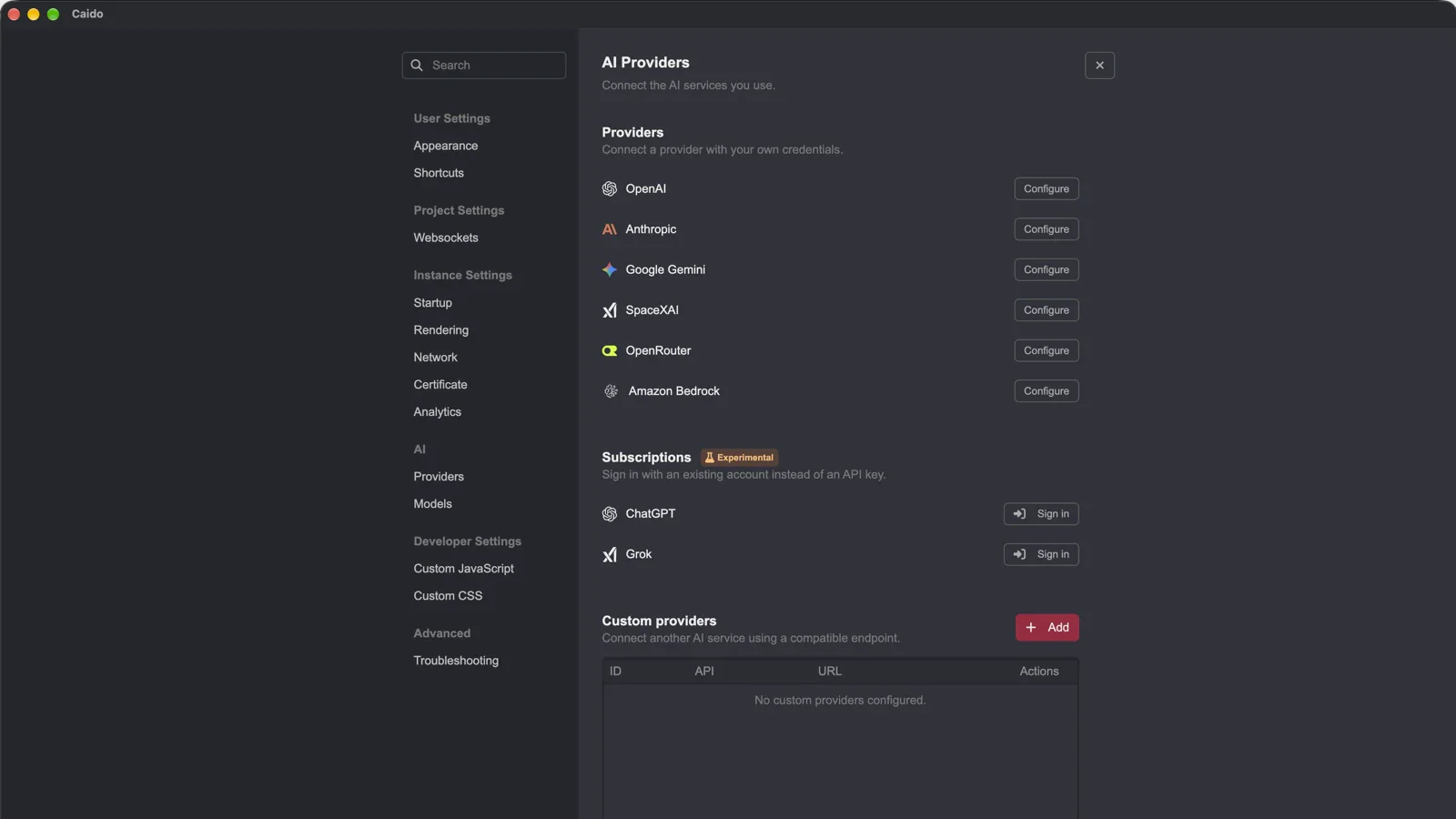 AI Providers with credential-based providers, Experimental ChatGPT and Grok subscriptions, and custom provider controls
Generate Workflows From a Description
After configuring an AI provider, open Workflows and choose Generate. Describe the passive, active, or convert Workflow you need, then inspect and edit the generated nodes before you use it.
The generated result stays editable. Use it as a starting point, adjust the logic, and keep the final decision with the tester.
v0.59.0 · Generate a Workflow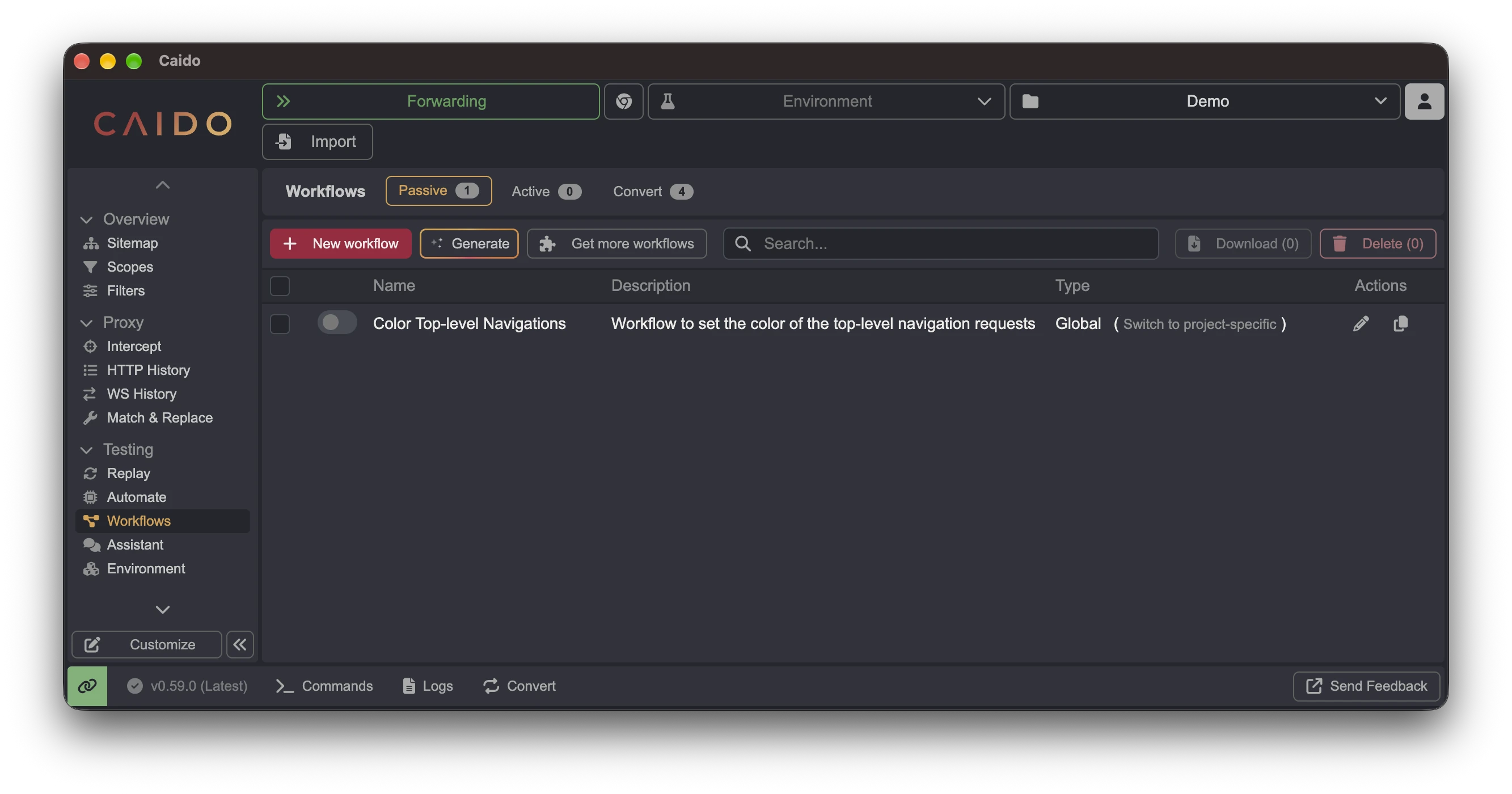 Workflows page with the Generate action
Keep Out-of-Scope Traffic Out of the Project
The Capture menu in Intercept is marked Experimental and gives you 3 recording modes:
- All traffic records every request.
- In-scope only uses the active Scope and does not record out-of-scope requests.
- Custom rules separates host patterns into Capture and Passthrough lists.
Hosts on the Passthrough list pass through Caido without being recorded, while the Capture list defines the traffic Caido records.
v0.59.0 · Capture controls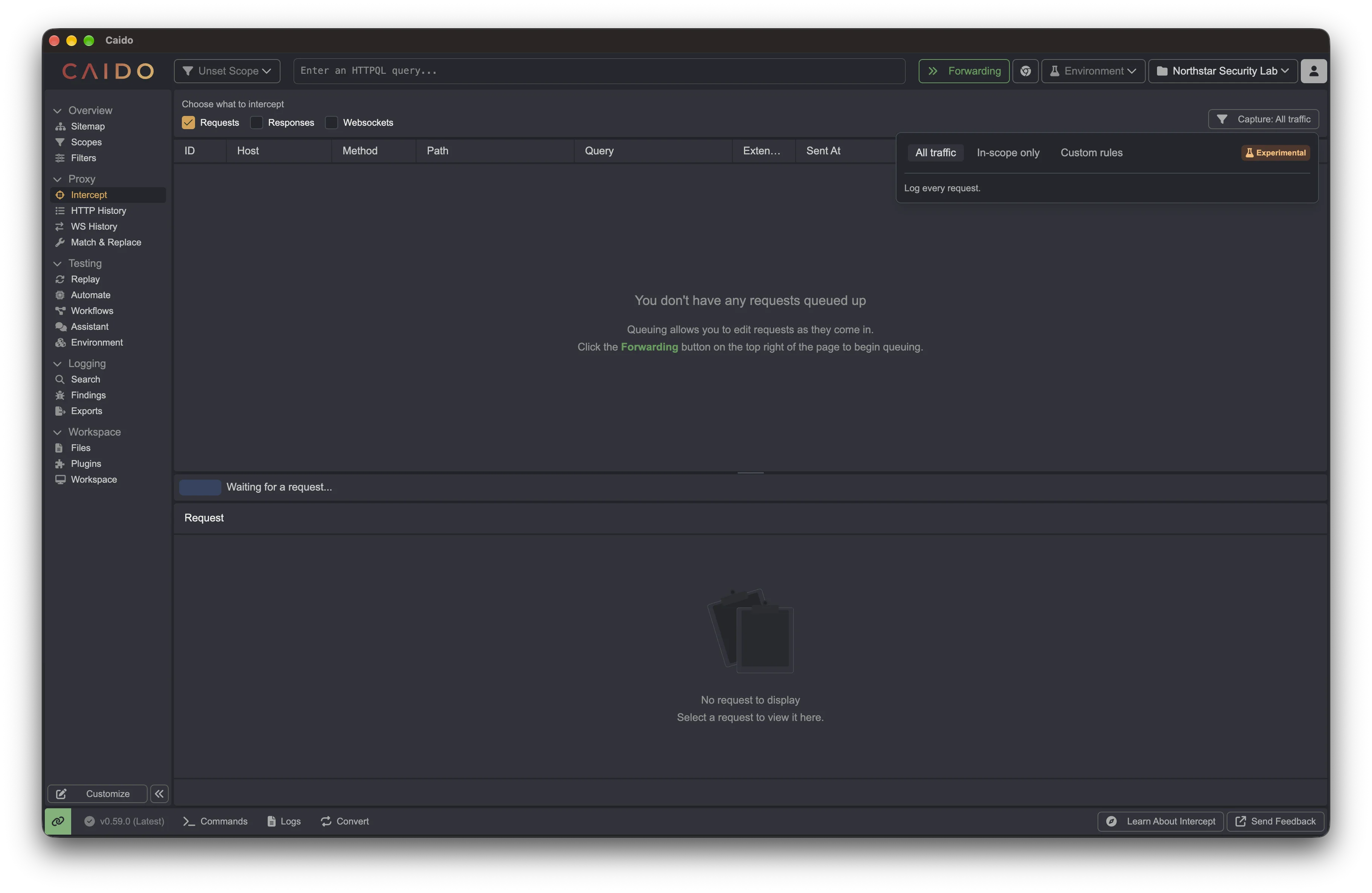 Intercept with the All traffic, In-scope only, and Custom rules Capture modes
Open Several Caido Instances at Once
Caido Desktop can connect to several instances at the same time and keep each connection in its own window. A local project, a remote VPS, and a second test environment can stay available without repeatedly disconnecting and reconnecting Desktop.
On macOS, the reworked menu bar app can reopen Instance Manager and reconnect to a running local instance after its window is closed.
v0.59.0 · Instance Manager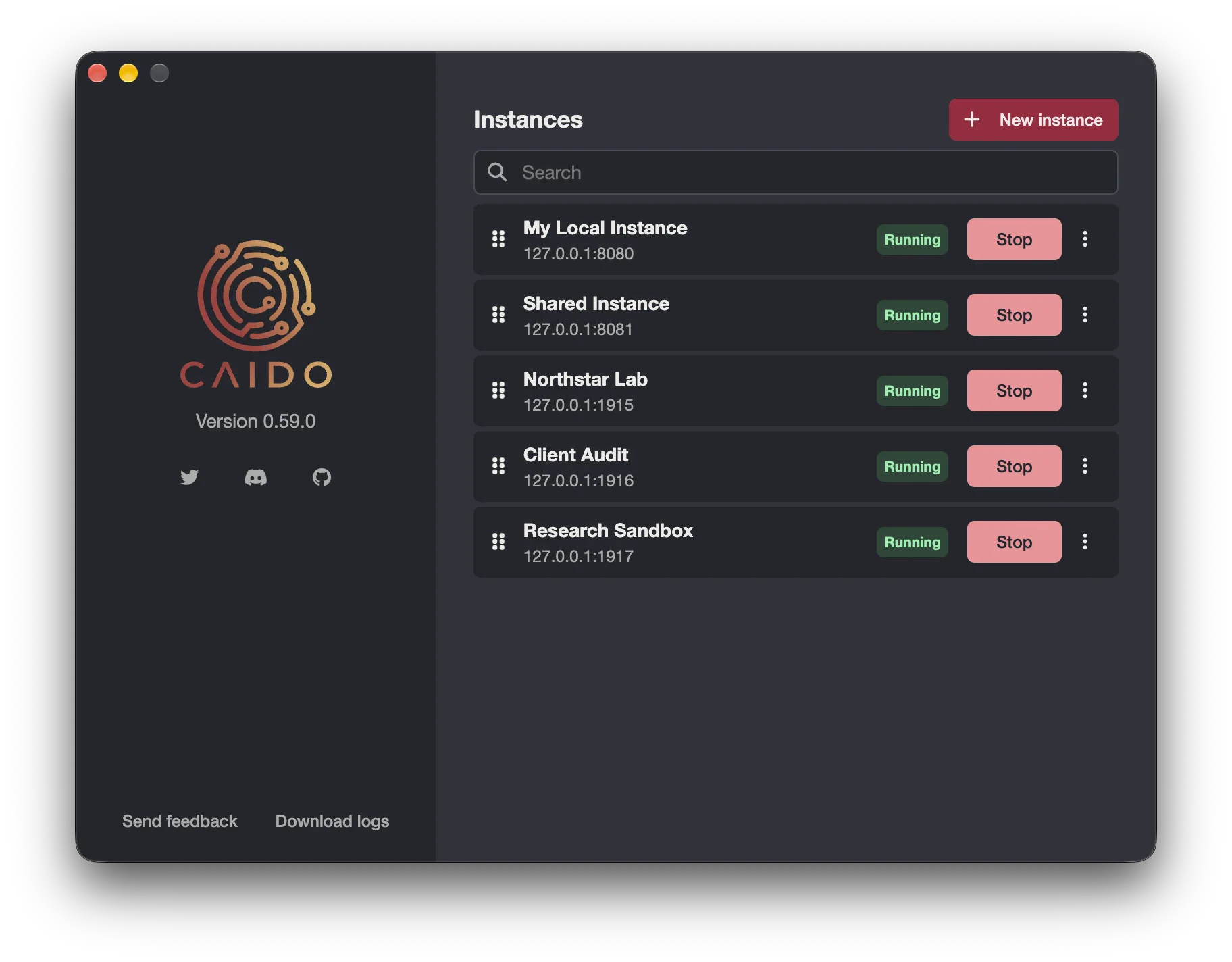 Caido Desktop Instance Manager with 5 running instances
Create a Replay Request From cURL
Paste a cURL command into Replay to create the corresponding request. That removes the manual work of rebuilding a request that already exists in a terminal, script, or report.
Smaller Fixes That Remove Daily Friction
v0.59.0 also restores Replay search against HTTP request details, improves placeholder handling and editor scrolling, fixes affected instance startup and interception paths, and includes additional performance and security updates.
Full Change List
Features and Improvements
- Configure OpenAI, Anthropic, Google Gemini, SpaceXAI, OpenRouter, and Amazon Bedrock from Settings > AI > Providers.
- Sign in with ChatGPT or Grok through Subscriptions, marked Experimental.
- Configure Amazon Bedrock or a compatible custom provider on Team and Enterprise.
- Use the refreshed set of supported AI models.
- Generate an editable passive, active, or convert Workflow from a description.
- Choose All traffic, In-scope only, or Custom rules from Intercept > Capture.
- Add hosts to the Passthrough list to pass them through Caido without recording them.
- Keep several Desktop instances open in separate windows.
- Reopen Instance Manager from the reworked macOS menu bar app.
- Create a Replay request from a cURL command.
Bug Fixes
- Restore Replay search matching against HTTP request details.
- Improve Replay placeholder handling and editor scrolling.
- Fix affected instance startup and Desktop connection states.
- Restore proxy interception on affected macOS and Linux setups.
- Include additional performance and security updates.
Keep Reading
Explore the features and workflows behind this release:
- Defining a Scope: build the scope that In-scope only uses to decide what gets recorded.
- Creating Workflows: the Workflow editor you use to adjust a generated Workflow.
- Running Multiple Instances: run several Caido instances side by side with the CLI.
- Caido v0.58.0: Replay Pipeline, HTTP/2 beta, and HTTPQL header and body filters.